Whop vs Stripe at a glance
Figures below come from each company's official pages, read on October 20, 2026. Rates can change, so check the linked pages before you decide.
| Whop | Stripe | |
|---|---|---|
| Domestic card or wallet payment | 2.7% + $0.30 | 2.9% + $0.30 |
| International card | + 1.5% | + 1.5% |
| Currency conversion | + 1% | + 1% |
| Manually entered card | Not listed | + 0.5% |
| Buy now, pay later | 15% per payment (20% for ClarityPay No Interest) | 5.99% + $0.30 for Klarna |
| ACH direct debit | 1.5%, maximum $5 | 0.8%, $5 cap |
| Dispute | $15 per dispute | $15 received fee, $15 more if you respond manually; refunded on won disputes |
| 3D Secure | $0.03 per transaction | Included on standard pricing |
| Fraud screening | Radar $0.07 per transaction | Radar Lite listed with Payments |
| Early dispute alert | $29 per alert (RDR) | $15 per Visa resolution, $29 per Mastercard resolution |
| Monthly fee | None listed | None listed for standard payments |
Read the table as a starting point, not a final bill. Stripe's pricing page also describes custom pricing for larger accounts, and Whop notes that enterprise sellers negotiate their own rates.
What one order costs on each
Processing fees on a single domestic card order, using the published standard rates (add-ons excluded):
| Order | Whop (2.7% + $0.30) | Stripe (2.9% + $0.30) |
|---|---|---|
| $25 | $0.98 | $1.03 |
| $50 | $1.65 | $1.75 |
| $100 | $3.00 | $3.20 |
On $30,000 of domestic sales across 600 orders of $50, that is $990 on Whop and $1,050 on Stripe. The gap is real but small. Most stores should choose between the two on access and fit, not on 0.2 percentage points.
Who can use each
This is where the two differ most.
- Stripe publishes a list of supported countries and regions on its global page. On October 20, 2026 that list had around 50 entries, a handful of them through an extended network. If your business is not based in one of them, you cannot open a standard Stripe account.
- Whop says on its payout page that it supports payouts to bank accounts, mobile wallets and crypto wallets in over 200 countries, and that eligible methods depend on your country. Standard payouts take up to 5 business days, and instant methods take minutes.
Neither company guarantees approval. Both review accounts, and both can place limits or reserves. See why Shopify Payments and Stripe are unavailable in some countries and our Stripe alternative guide.
Payouts
Stripe's pricing page promotes fast, predictable payouts to bank accounts; payout speed depends on your country and account.
Whop charges per payout, not per sale: $2.50 for next-day ACH to a US bank, $23 for a bank wire, 4% + $2.50 for an instant bank deposit, 5% + $1.00 for crypto, and a country-specific fee for local bank transfers. Whop also states that, for Whop Payments, it is the merchant of record and converts payments to the currency of the region you chose when setting up your organization before paying out. Full detail in Whop fees explained.
Disputes
Both charge $15 per dispute. Stripe returns its fee on disputes you win and adds a $15 fee when you respond manually. Stripe also offers Smart Disputes, which charges 30% of the disputed amount on disputes you win. Whop adds a $29 early dispute alert (RDR) as a separate fee. If chargebacks are a worry for your store, read the guide on Shopify Payments on hold and how a high-risk merchant account compares to Whop.
How each works with Shopify
A store that uses a processor other than Shopify Payments faces Shopify's third-party transaction fee on card orders, whose rate depends on your plan; see Shopify fees.
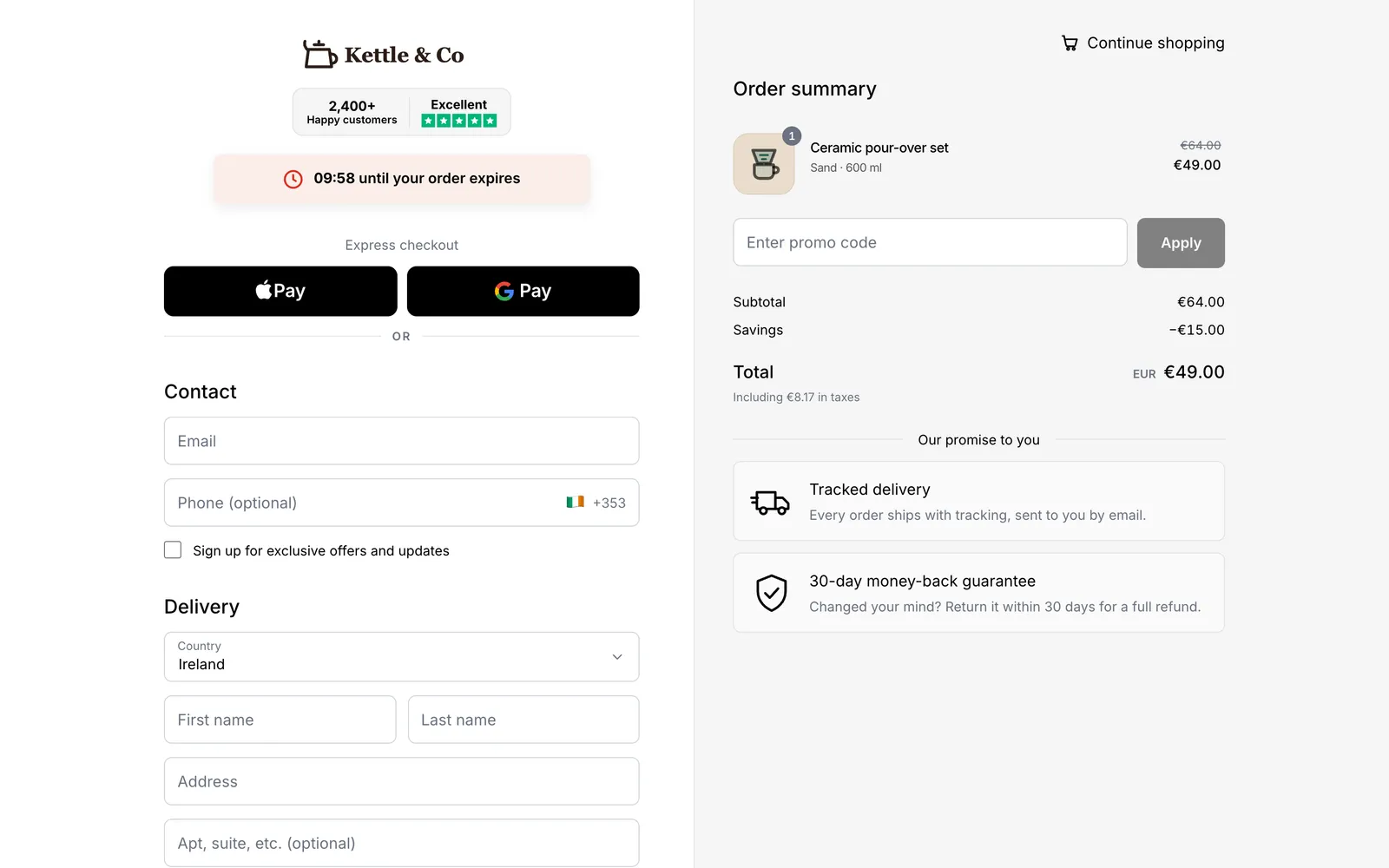
Whop is not a built-in Shopify gateway. A checkout app connects the two: the shopper pays on the app's checkout through your Whop account, and the order is created in Shopify. Chekvo does this with a one-page branded checkout for card, Apple Pay and Google Pay, plus cash on delivery, one-click upsells, order bumps, bundles and cart recovery. See Whop payments for Shopify and the best Whop checkout apps for Shopify.
Which to choose
- Choose Stripe if your business is in a country it supports, you want its wider tooling, and your account is approved without trouble.
- Choose Whop if Stripe or Shopify Payments is not available in your country, your account was closed or is on hold, or you sell in a category Stripe declines. You can approach Whop first; Whop reviews your account and decides.
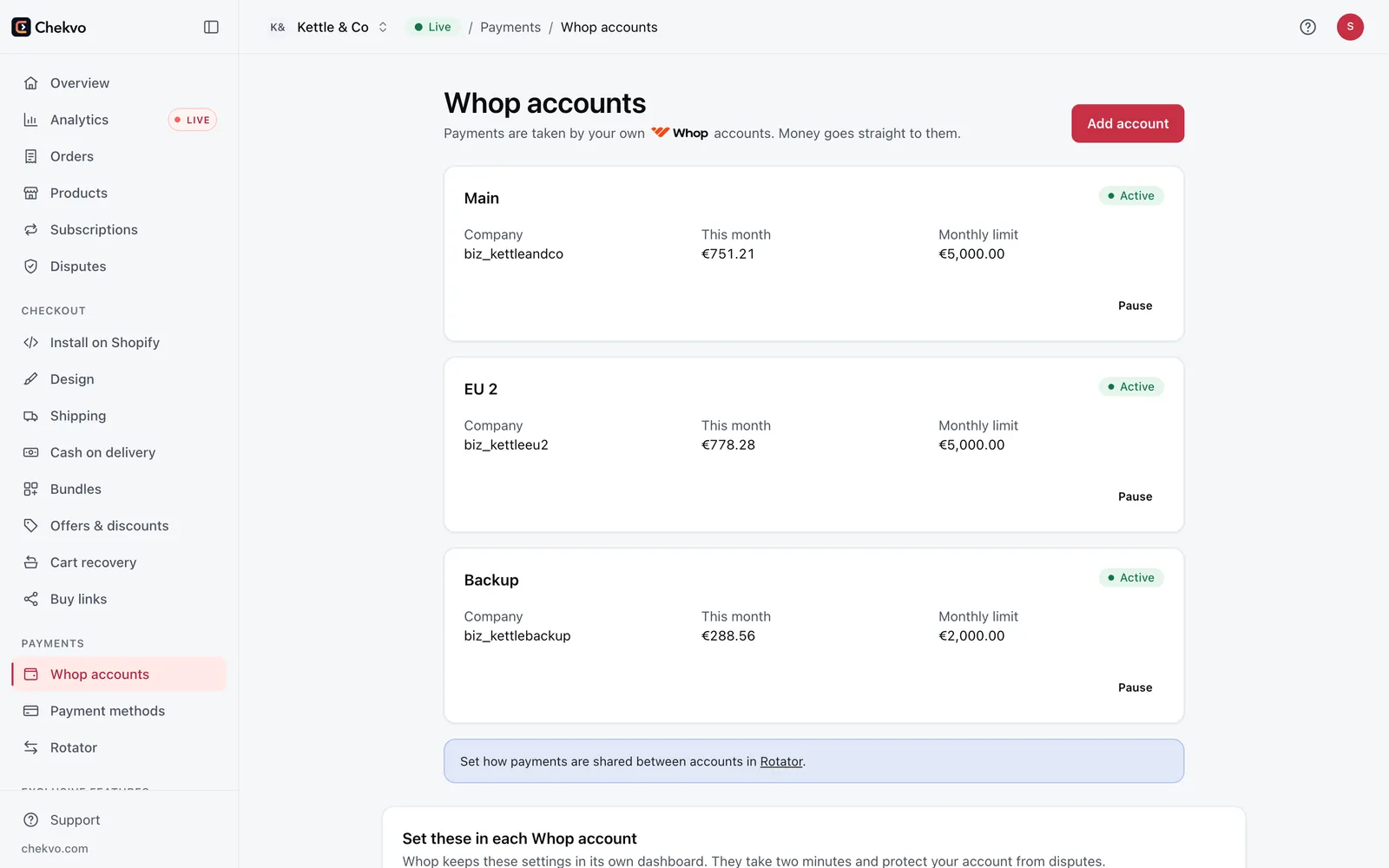
- Use both if you can: a rotator can spread payments across several Whop accounts so one account's limit does not stop your sales.
Build your checkout free and preview it with your own products before you connect anything.