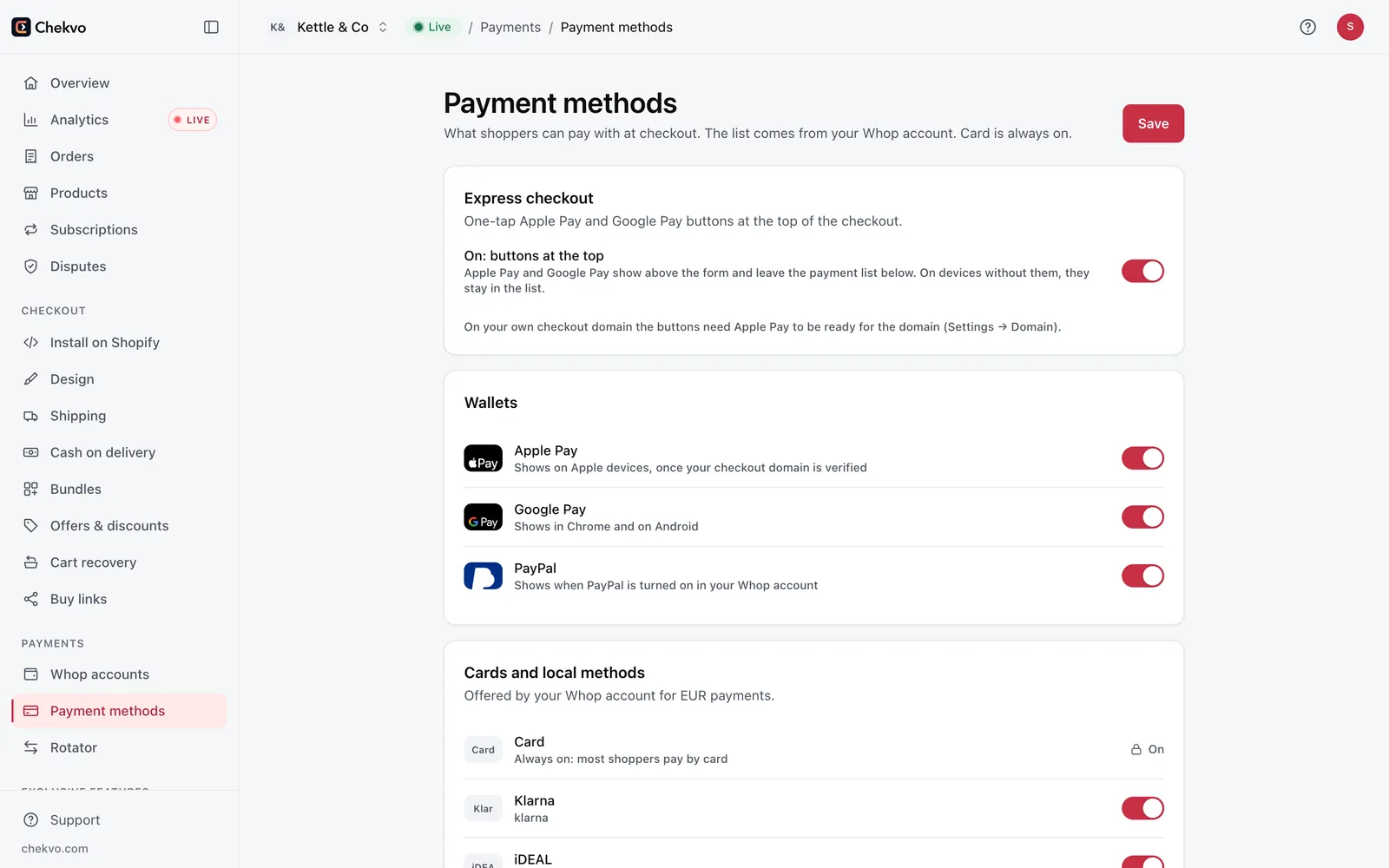
Your options for card payments on Shopify
| Option | Who can use it | Setup |
|---|---|---|
| Shopify Payments | Stores in its 41 supported countries, if approved | Built in |
| A local third-party gateway | Depends on your country and on Shopify's provider list | Application with the provider |
| A classic merchant account | Businesses that pass underwriting | Usually weeks |
| Whop + Chekvo | Sellers Whop accepts, payouts in 200+ countries | About 15 minutes |
If Shopify Payments works for you and keeps paying out, it's the simplest choice. When it isn't available, gets suspended or holds your payouts, Whop through Chekvo is the fastest way to take cards again.
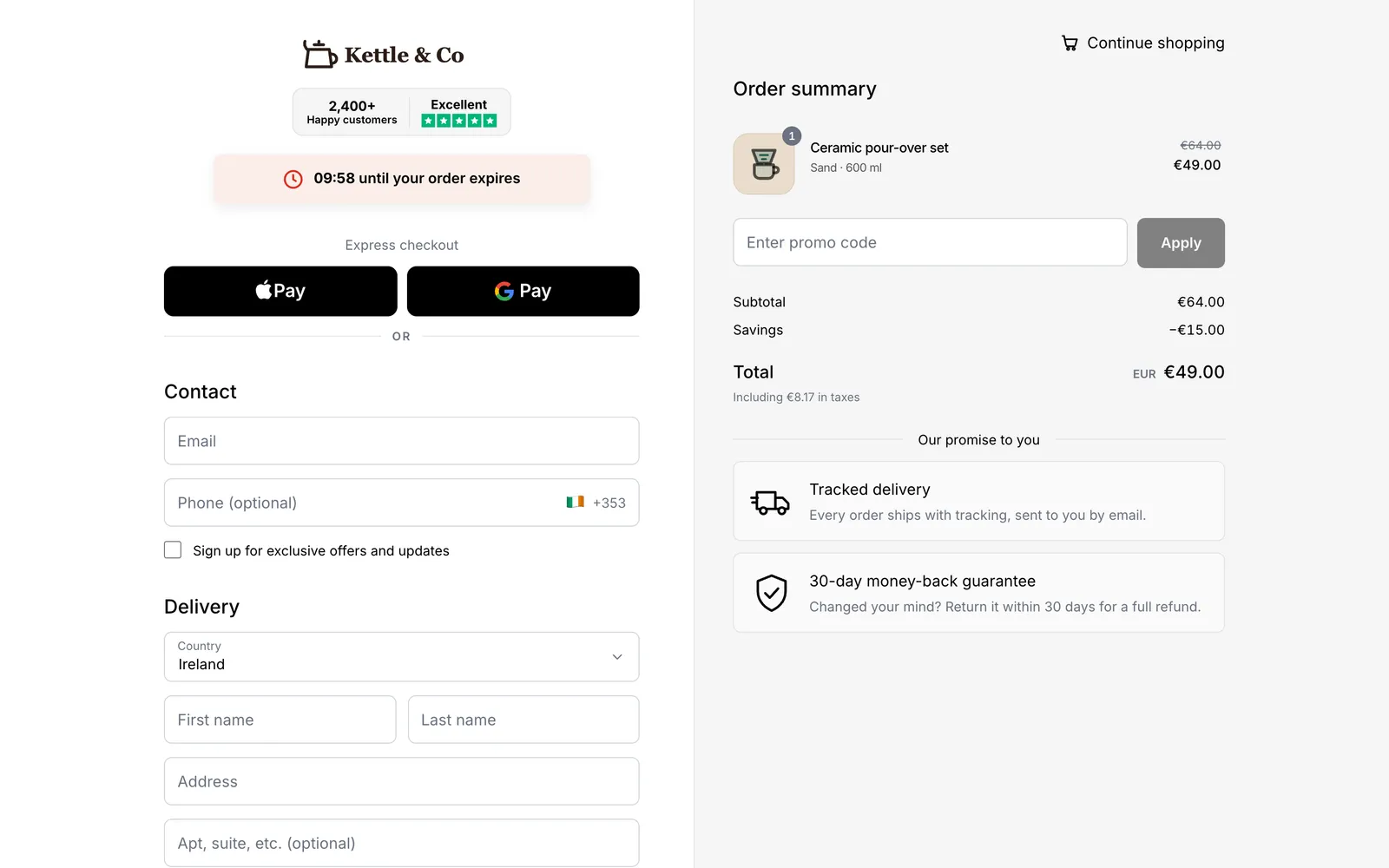
How it works
- Your customer clicks Checkout in your Shopify store and lands on your branded Chekvo checkout.
- They pay with Apple Pay, Google Pay or a card, or choose cash on delivery if you offer it.
- Whop processes the payment and the money goes to your Whop account.
- The order is created in Shopify at once, so fulfilment, inventory and emails work as usual.
Set it up
- Open a Whop account with your details, a bank account and your ID.
- Connect your Shopify store to Chekvo and paste your Whop API key.
- Check your checkout for free: logo, colours, languages, shipping and discount codes come from your store.
- Go live and place a test order.
What it costs
- Whop: 2.7% + 30¢ per domestic card payment, plus 1.5% for international cards and 1% for currency conversion.
- Chekvo: from $99 a month with 500 orders included, then a flat fee per extra order, with no cut of your normal orders.
Run your own numbers with the free Whop fee calculator and Shopify fee calculator.