How long PayPal holds funds, case by case
These timelines come from PayPal's help center and User Agreement, checked November 2, 2026.
| Your situation | How long PayPal says it holds the money |
|---|---|
| New seller, or back after a quiet period | Up to 21 days on initial payments |
| Monthly release limit reached | Later payments are held up to 21 days |
| Physical product with tracking from an approved carrier | About 24 hours after delivery is confirmed |
| PayPal shipping label | About 24 hours after delivery is confirmed |
| Service or intangible item, such as an e-book | 7 days after you confirm the order as Completed |
| Unusual change in selling patterns | Up to 21 days, even after the steps above in rare cases |
| Payment challenged in a dispute | Until the matter is resolved, no longer than 180 days |
| Protection against liability, or an Acceptable Use Policy violation | Up to 180 days, longer under court orders or other legal processes |
PayPal says any earlier release of a risk-based hold is at its sole discretion. To see the reason for your own hold, log in and click Know your options under your PayPal balance.
Why PayPal is holding your money
PayPal's help center lists these reasons:
- You're new, or you opened a new account. It takes time to build a selling history.
- You haven't sold in a while. A dormant account has to rebuild that history.
- Customers reported problems or asked for refunds. Several complaints can delay your funds.
- Your selling pattern changed. Examples include a surge in sales, a new business type, a different average price or a different type of item.
- You sell higher-risk items. PayPal names event tickets, consumer electronics, travel packages and gift cards.
- Your identity checks aren't finished. This includes a pending video KYC call.
- The payment was sent as goods and services. PayPal says the money comes 7 days after you mark the order Completed.
A sales spike is the one that catches growing Shopify stores by surprise: a good week can look like unusual activity. PayPal also says its decisions can rest on confidential criteria, so you may not get a detailed explanation.
Hold, limitation or reserve: which one do you have?
| Hold | Limitation | Reserve | |
|---|---|---|---|
| What it affects | A specific payment or account activity | What you can do with your account | All or part of a business balance |
| What it looks like | Funds shown as unavailable or pending | A request for information | Funds shown as pending, with the terms sent to you |
| How it ends | Tracking, order status, or time | You resolve what PayPal asks for | On the terms PayPal set, which can change with its risk assessment |
PayPal's merchant guide (May 2024) gives an example of a rolling reserve: 5% of each day's money held for 60 days, so day 1's share comes back on day 61. It also describes a minimum reserve, an amount you must keep available in your business account.
How to get PayPal to release your funds
- Check the reason. Open Know your options under your balance. It shows why the payment is held and which steps apply.
- Add tracking. Go to Activity, find the purchase, click Get your money, choose Product and add tracking from an approved carrier. Or print the label through PayPal.
- Update digital and service orders. Follow the same path, choose Service or virtual product and set the status to Completed once you've delivered.
- Finish identity checks. Complete every verification step, including any video KYC call.
- Solve customer problems directly. PayPal recommends working with customers on refunds and complaints, since these can delay your funds.
- Build the track record PayPal asks for. PayPal reviews seller accounts each month. A confirmed bank account or card and a confirmed primary phone are required for a monthly release limit, and it may also ask for a set number of sales and a period without disputes.
If you've reached a monthly release limit, you can request an increase every 30 days, and PayPal says the response is generally immediate. An approved limit starts on the first day of the following month.
How to keep selling while your money is held
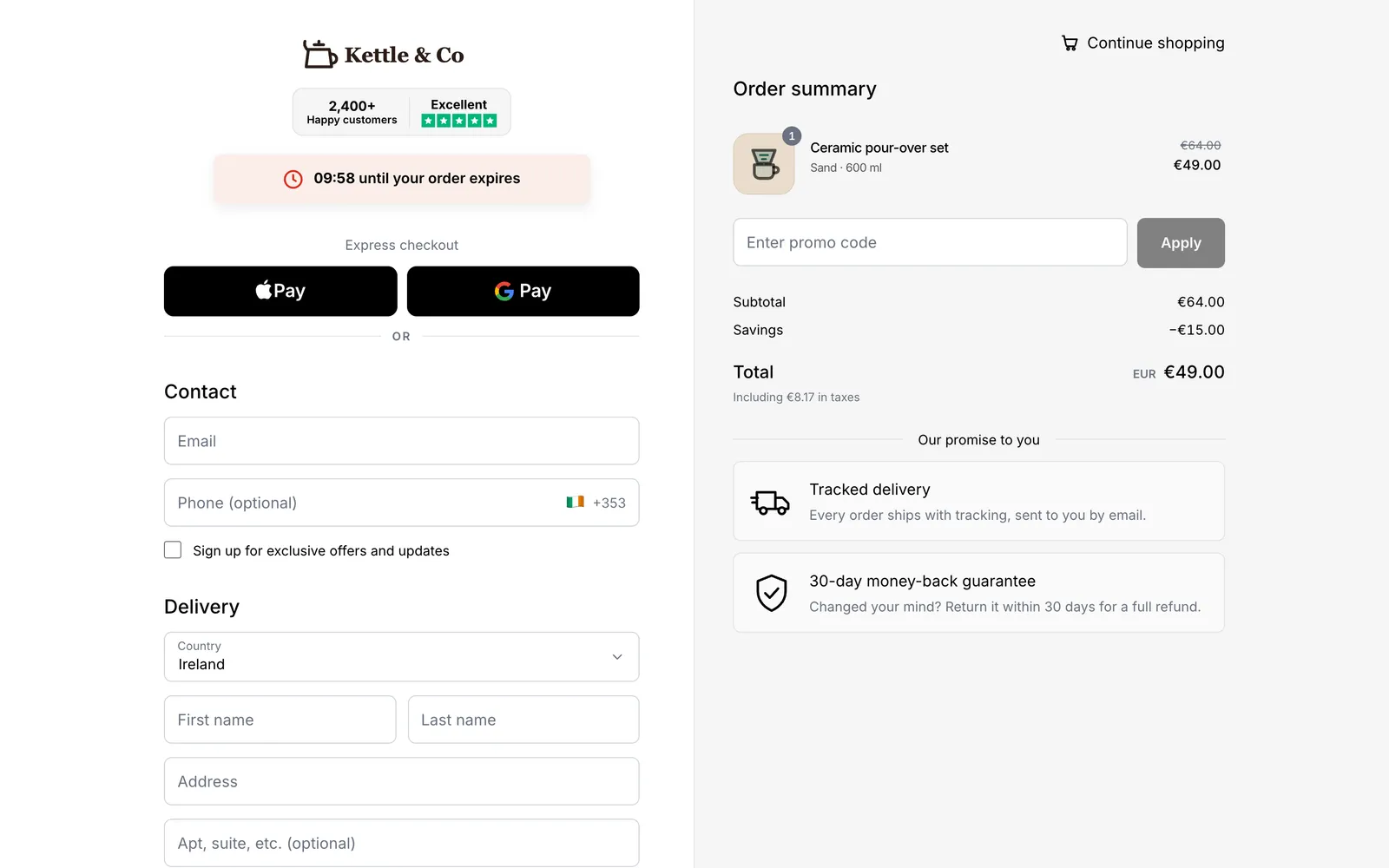
A hold on past sales doesn't have to stop today's orders. With Chekvo, your Shopify store gets a branded one-page checkout paid into your own Whop account:
| PayPal Checkout | Whop + Chekvo | |
|---|---|---|
| What shoppers see | PayPal button or pop-up | Branded one-page checkout on your domain |
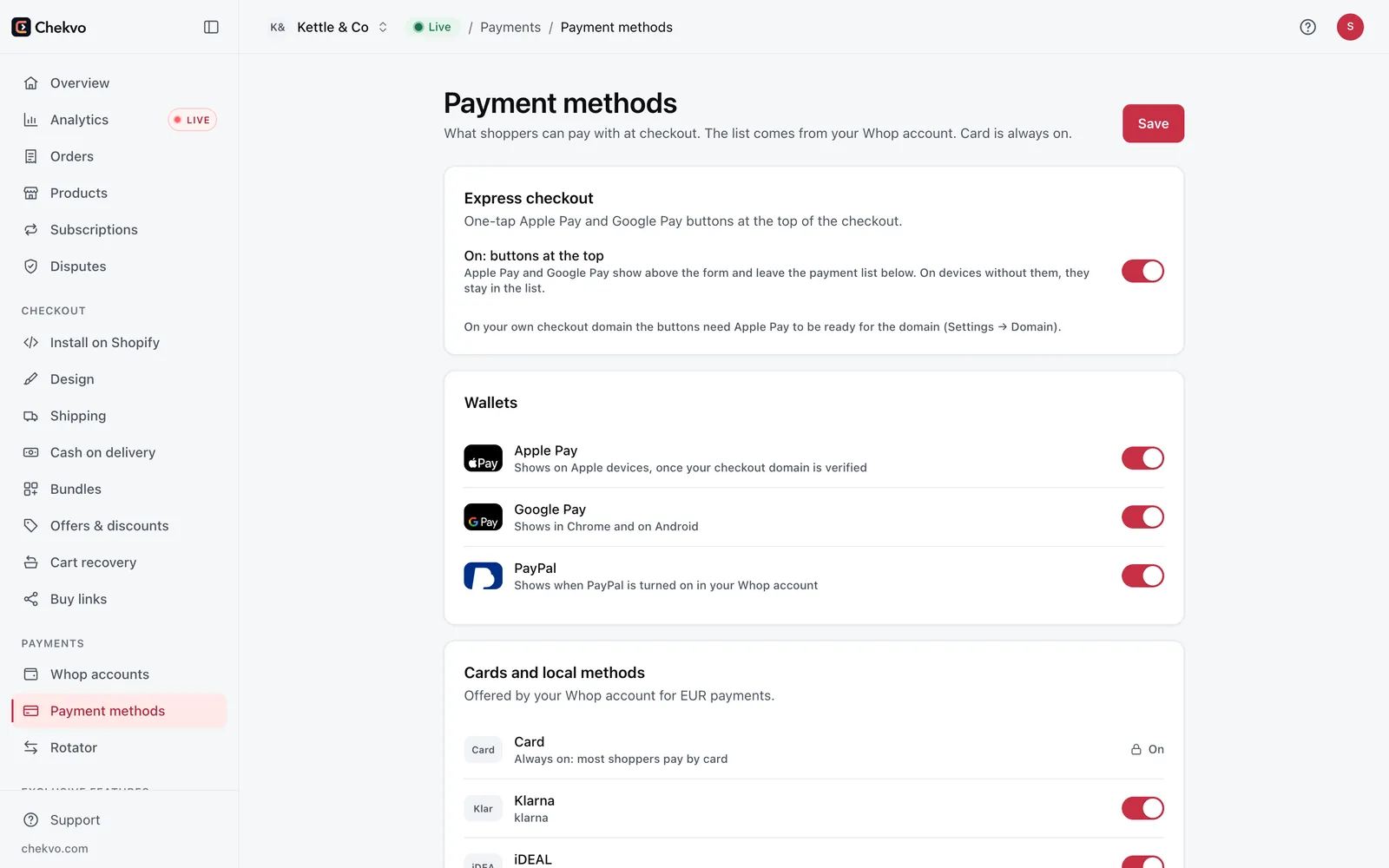
| Ways to pay | PayPal balance, Pay Later | Cards, Apple Pay, Google Pay, cash on delivery |
| Fee on a $50 US order | $2.24 (3.49% + 49¢) | $1.65 (2.7% + 30¢), domestic card |
| Where the money goes | Your PayPal balance | Your own Whop account, payouts in 200+ countries |
| Orders in Shopify | Yes | Yes, created the moment the customer pays |
Fees were checked on PayPal's and Whop's fee pages on October 26, 2026. Chekvo's own fee is separate: from $99 a month + 0.5% of each order. Run your numbers with the PayPal fee calculator and the Whop fee calculator.
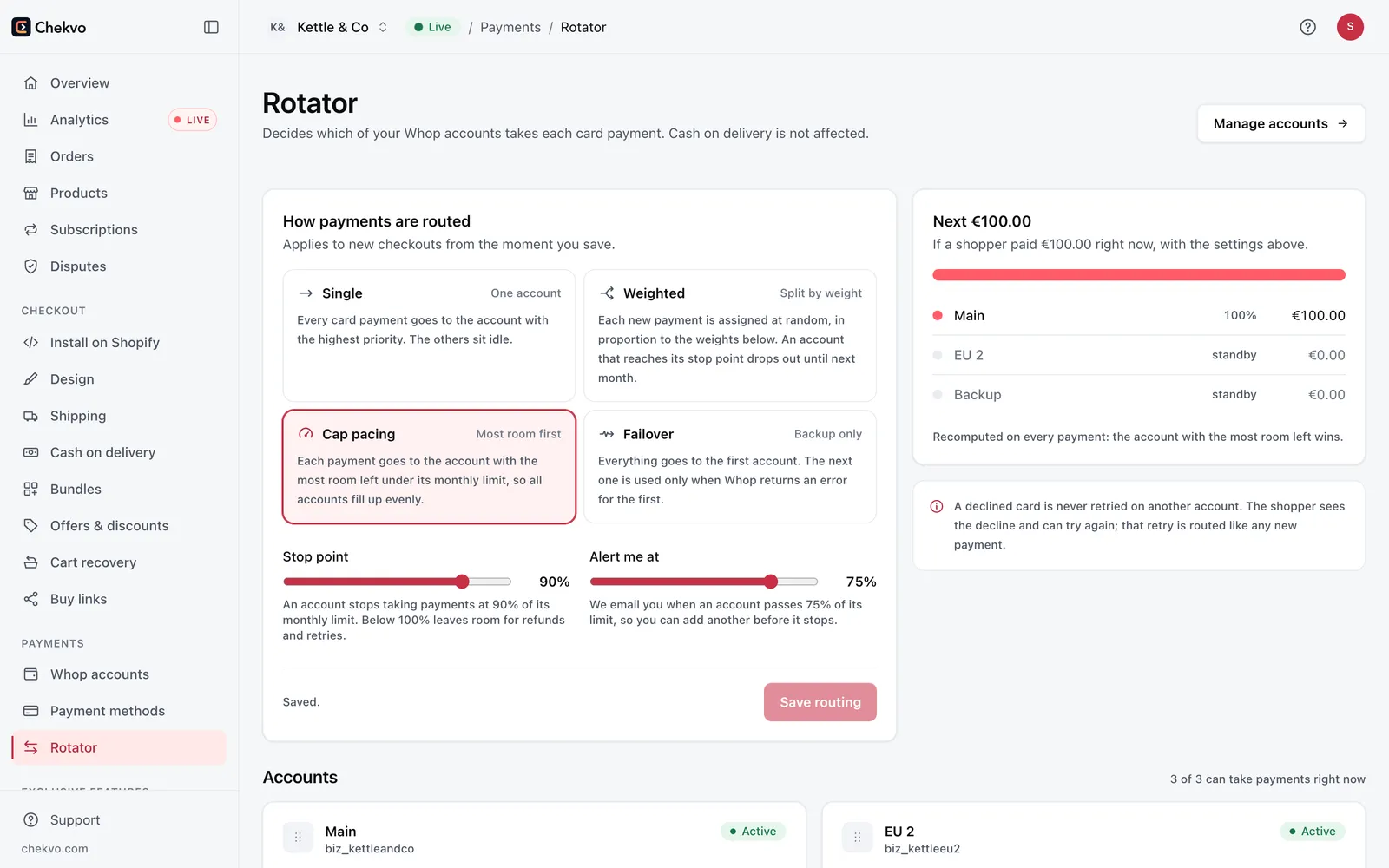
Every processor reviews risk, and Whop is no exception: its reserves page says it reviews every account and can hold part of a balance back, and that reserved funds stay yours and release automatically. That's why a second way to get paid protects you. When one account is under review, the other keeps your store earning. Cash on delivery adds a third, since the courier collects the money and no card processor is involved.
Getting set up takes about 15 minutes:
- Open a Whop account. A personal account is enough: your details, a bank account and your ID.
- Connect your Shopify store and your Whop account to Chekvo.
- Preview your checkout for free with your real products, shipping and discount codes.
- Go live and keep your PayPal account open while the hold runs out.
Comparing options for good? Read the best PayPal alternative for Shopify. If Shopify is the one holding your money, see Shopify Payments on hold.