Can you sell digital products on Shopify?
Yes. Shopify supports e-books, PDFs, templates, presets, music, video, software and online courses. Delivery runs through an app; the default is Shopify's own Digital Products app (it replaced the older "Digital Downloads" listing, and you will still see both names around the web).
What Shopify's own pages say about it on November 9, 2026:
| Question | Shopify's answer |
|---|---|
| Price of the app | Free with every Shopify plan |
| File size | Files up to 5 GB |
| What you can deliver | Uploaded files, or links to hosted content such as online courses, Notion pages, booking pages and cloud storage |
| Mixed products | A digital file can be attached to a physical product (for example a record with an MP3) |
| Delivery | Access links sent by email after purchase, with optional download limits |
| App Store rating | 4.8 from 1,447 reviews |
For courses with lessons, quizzes and member logins, merchants usually add a course app or host the course elsewhere and sell access through a link. For software, a licence key is just text the buyer must receive after paying.
How to set it up, step by step
- Install Digital Products from the Shopify App Store.
- Create the product in Shopify with a price, a description and images that show what's inside (page previews, a module list, a screenshot of the template).
- Untick "This is a physical product" in the product's Shipping section. Shopify then charges no shipping for it.
- Attach the file or link from the Digital Products app, and set a download limit if you want one.
- Check your payment settings. Make sure your checkout can take cards from the countries your buyers live in.
- Place a test order from start to finish and confirm the access email arrives with the right file.
What you pay on a $29 digital product
Shopify's plan is fixed; what changes per sale is the card fee and, if you can't use Shopify Payments, Shopify's third-party transaction fee. Figures for a US store on Shopify's Basic plan, from Shopify's and Whop's public pages:
| Setup | Card processing | Shopify transaction fee | Checkout app | Total per $29 sale |
|---|---|---|---|---|
| Shopify Payments (Basic, US card) | 2.9% + $0.30 = $1.14 | $0 | none | $1.14 |
| Whop through Chekvo Starter (US card) | 2.7% + $0.30 = $1.08 | 2% = $0.58 | 0.5% = $0.15 | $1.81 |
| Whop through Chekvo Scale (US card) | 2.7% + $0.30 = $1.08 | 2% = $0.58 | 0.3% = $0.09 | $1.75 |
On Shopify's Grow plan the transaction fee drops to 1%, on Advanced to 0.6%. Whop adds 1.5% for international cards and 1% when currency conversion applies. Monthly plan prices are not included in the per-sale figure: Chekvo starts at $99 a month. See Shopify fees in 2026 and Whop fees for every line.
If Shopify Payments works for you and your account is in good standing, it is the cheapest line in that table. Most stores that read this far are in a different situation: Shopify Payments isn't offered in their country, their payouts are on hold, or their processor restricts digital goods. That is where a checkout paid into your own Whop account earns its fee.
Why the checkout matters more for digital goods
A digital buyer decides fast and expects the file in seconds. Every field that has nothing to do with a download costs you sales:
- A street address for an e-book. Nothing ships, so the question looks odd and makes some buyers stop.
- A shipping step. Even at $0, it's one more screen.
- Payment methods the buyer doesn't have. International buyers on mobile want Apple Pay or Google Pay.
Selling digital products with Chekvo
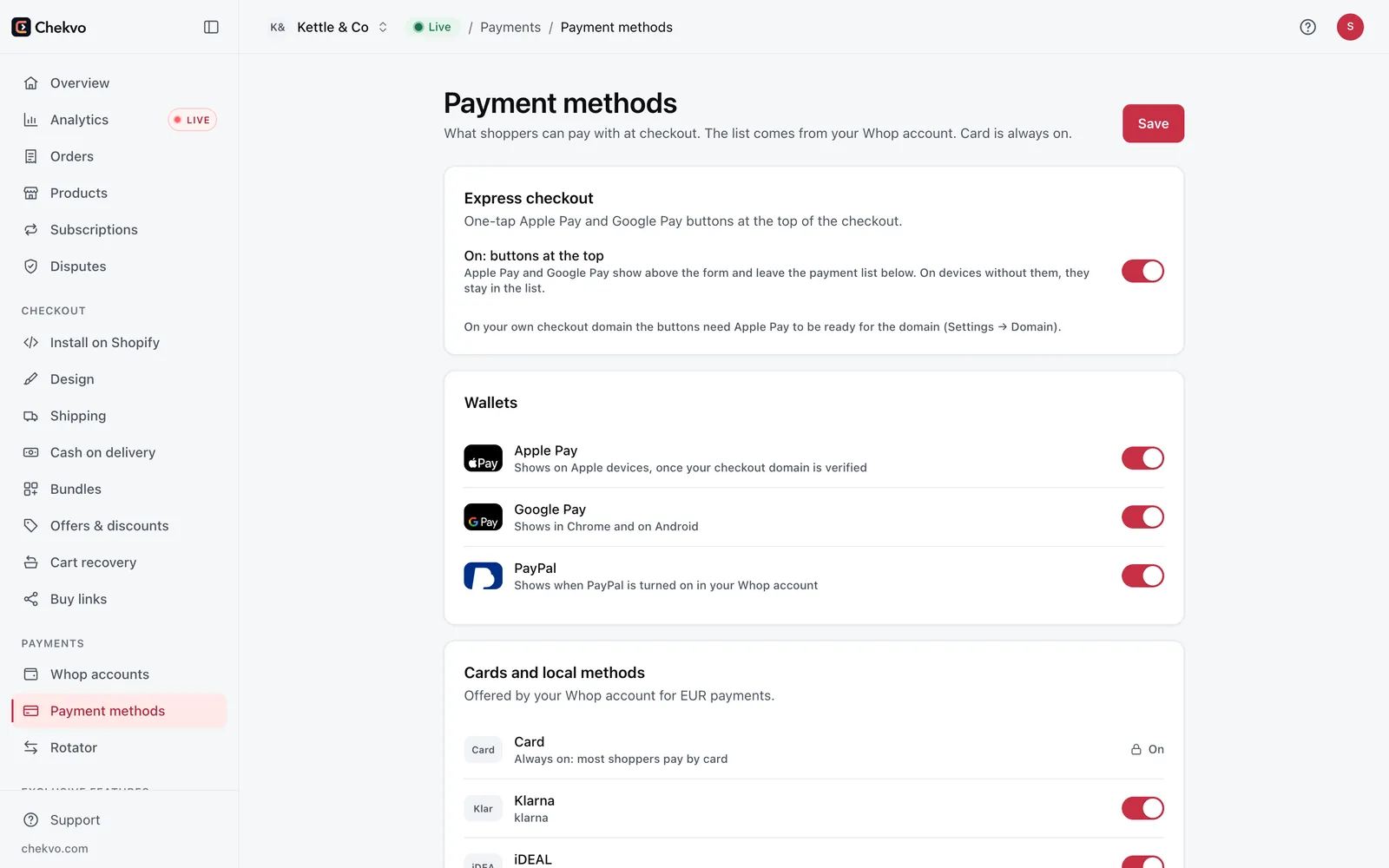
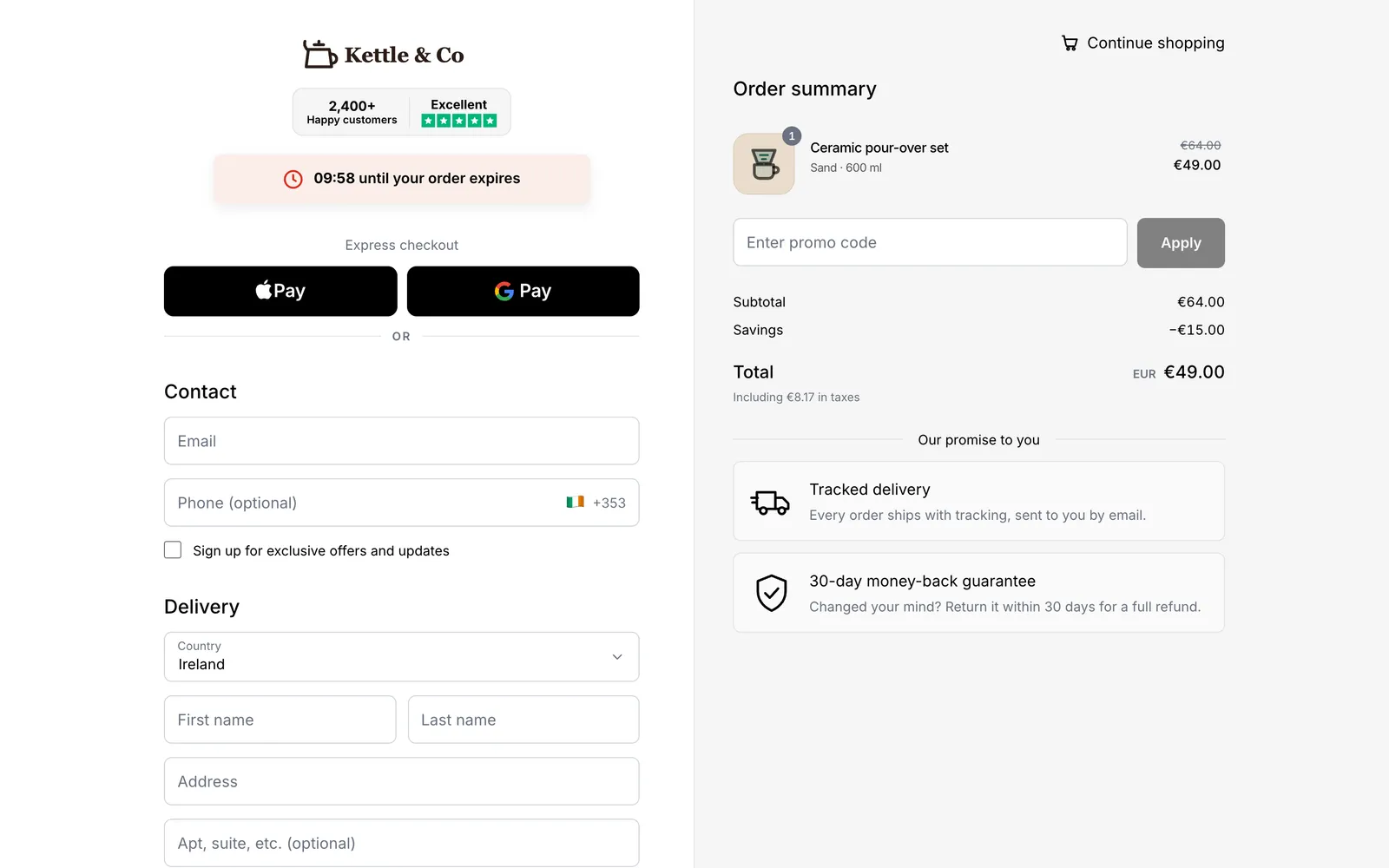
Chekvo replaces the Shopify checkout with a branded one-page checkout. Buyers pay by card, Apple Pay or Google Pay, and the money goes to your own Whop account, not a shared one.
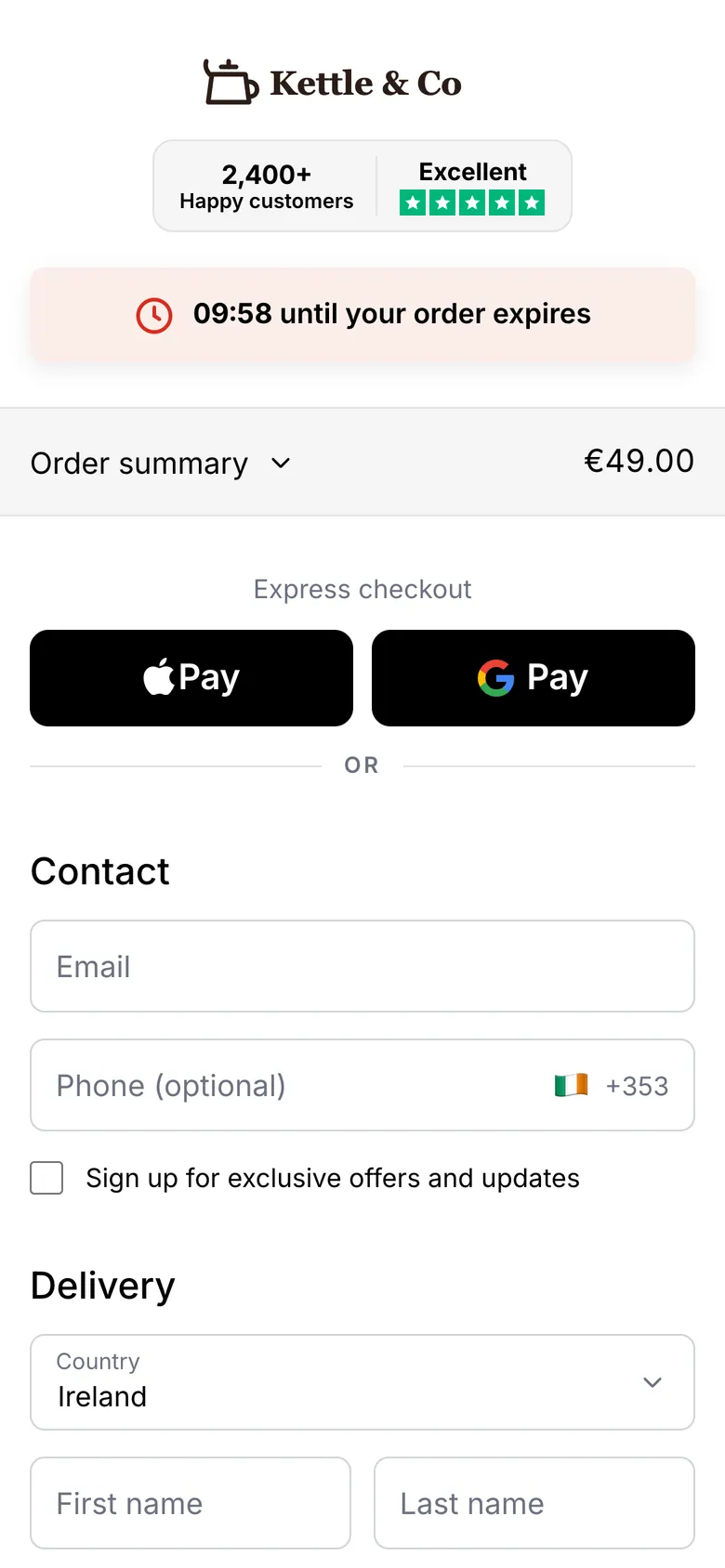
What happens with a digital cart:
| Step | With a digital-only cart in Chekvo |
|---|---|
| Contact | Name and email |
| Address | No street address, no shipping step; the country is used for taxes, and card payments ask for the billing postal code |
| Cash on delivery | Hidden: nothing is delivered by a courier |
| Order in Shopify | Created as paid, with no shipping line and no shipping address |
| Delivery | Your Shopify delivery flow, or Chekvo's own access email for Chekvo products |
Shopify products. Chekvo reads Shopify's "requires shipping" setting on each variant. Untick "This is a physical product" and that item is digital at checkout too. Because the paid order is created in Shopify, your customer list, reports and delivery setup stay where they are. Run one test order on a sandbox Whop account before you go live to see the full flow.
Chekvo products and buy links. You can also create a product directly in Chekvo, mark it digital and add what the buyer receives: an access link (a course, a folder, a community), a text, or a licence code. The moment the payment clears, Chekvo emails it and shows it on the thank-you page; a code is displayed on its own, ready to copy. Share the product with a buy link in a bio, an email or an ad.
Recover the buyers who leave. Abandoned checkouts can be followed up by email on the Growth and Scale plans. See abandoned checkout recovery.
Before you move your sales
- Tax is yours. Selling on your own store makes you the seller. Digital products often carry VAT or sales tax where the buyer lives; check what applies, or ask an accountant. If you'd rather hand tax to a merchant of record, compare Gumroad alternatives.
- Whop decides approval. Whop reviews each account, and it doesn't allow every category; pirated content and unlicensed IPTV are prohibited. Read Is Whop legit? for how reviews, reserves and payouts work.
- Keep your files in your own storage and your customer list exported, whatever platform you use.
This guide is general information, not tax or legal advice.