What a Shopify chargeback is
A chargeback is a dispute a cardholder opens with their bank. The cardholder can be your customer, or someone who says their card was used on your store without permission. Shopify's help center describes two forms, and the difference matters for your cash:
| Chargeback | Inquiry | |
|---|---|---|
| Your money | The disputed amount and a chargeback fee are withdrawn immediately | Nothing is taken during the investigation |
| If you win | Amount and fee are returned | No action needed |
| If the customer wins | You lose the amount and the fee | It may escalate into a full chargeback |
Shopify does not decide the outcome. The customer's bank and the card company do, based on the evidence you send. On Shopify Payments, the amount comes out of your next available payout. These details were read on Shopify's help pages on October 21, 2026.
What a chargeback costs
Shopify's chargeback fee depends on your Shopify Payments country. A sample from Shopify's table on October 21, 2026:
| Country or region | Chargeback fee |
|---|---|
| United States | $15 USD |
| Canada | $15 CAD or $15 USD |
| United Kingdom | £10 GBP |
| Germany, France, Italy, Spain, Netherlands | €15 EUR |
| Ireland | €15 EUR + 23% VAT |
| Australia | $25 AUD |
| United Arab Emirates | 60 AED + 5% VAT |
If you win, Shopify says it might refund the fee depending on your country or region. The real cost of losing is the full order value plus the fee, and you have usually already shipped the goods. On a $60 order, a lost US chargeback costs $75 before product and shipping costs.
If you are not on Shopify Payments, your processor sets the fee. Whop's published dispute fee is $15 per dispute; see Whop fees explained and Whop vs Stripe.
The process and its deadlines
Shopify describes the steps like this:
- The customer contacts their bank.
- The bank starts a chargeback and the amount plus fee are withdrawn.
- Shopify notifies you with a response deadline.
- You have limited time, usually 7 to 21 days, to build and send evidence.
- The card company reviews. Shopify says this can take up to 75 days after you submit.
- The decision: you win, partially win, or the customer wins.
Once the bank or card company rules, there is no appeal and Shopify cannot overturn the decision. That is why the evidence you send the first time is the whole case.
Why customers file chargebacks
Shopify lists these reasons. Each needs different evidence:
| Reason | What it means | Evidence that helps |
|---|---|---|
| Fraudulent | The cardholder did not authorize the charge (the most common reason) | Fulfillment date, billing details, IP address and country, shipping and tracking |
| Unrecognized | The customer does not recognize the merchant name on the statement | Same as fraudulent, plus the order confirmation |
| Duplicate | They believe they were charged twice | Receipts proving two different products, or a refund of the accidental second charge |
| Subscription canceled | Charged after a cancellation | Your cancellation policy, notifications sent, and an access log for digital goods |
| Product not received | The goods never arrived | Tracking and delivery confirmation |
| Product unacceptable | Defective, damaged or not as described | Accurate product pages, photos, correspondence |
| Credit not processed | A return or cancellation was not refunded | The refund record and your policy |
How to win a chargeback
You cannot guarantee a win, but you can avoid losing on missing evidence.
- Respond before the deadline. Missing it is an automatic loss.
- Match evidence to the reason. Use the table above. A tracking number answers "not received"; it does not answer "I did not authorize this".
- Show the order trail. Date and time of the order and fulfillment, billing information, IP address and country, and shipping and tracking.
- Add your policies and messages. Terms of service, refund and return policy, and any emails or chats with the customer.
- Keep it short and ordered. The reviewer reads many cases. Lead with the strongest proof.
On Whop, the Dispute fighter automatically uploads customer details, purchase date, product description, an access activity log, and your cancellation and refund policy documents, if you uploaded them as legal documents. You add anything else before the deadline. Whop's page lists proof of transaction, proof of delivery, customer chats, terms of service and return policy as what card issuers look for.
How to prevent chargebacks
Shopify's prevention advice is practical:
- Investigate suspicious orders before you fulfill them, using Shopify's fraud analysis.
- Make your contact details easy to find.
- Answer customers quickly.
- Publish your store policies where shoppers see them.
- Send tracking and delivery confirmation updates.
Whop adds three points worth copying whichever processor you use:
- Refund faster. Whop notes that a dispute costs the sale, a fee and a hit to your dispute rate, while a refund costs one sale.
- Use a clear billing descriptor. If customers do not recognize the name on their statement, they file a "fraudulent" dispute.
- Never force a purchase. Whop names pre-checked upsells and confusing trial flows as dispute generators. If you use order bumps or upsells, keep them opt-in and clearly priced.
Whop also lists early dispute alerts. When a customer starts a dispute, you are told and can refund before it becomes a formal dispute. Whop's page says it auto-refunds alerted transactions under $500 for new accounts without healthy payment history; you can change that later. Whop lists a separate fee per alert on its fees page (see Whop fees).
Cash on delivery avoids one class of problem: no card payment means no card dispute. It brings other risks, such as refused parcels, which you can reduce with WhatsApp or SMS confirmation. See cash on delivery on Shopify.
Shopify chargeback protection: Shopify Protect
Shopify's free chargeback protection is called Shopify Protect for Shop Pay. On October 21, 2026 its help pages list these conditions:
| Condition | Rule |
|---|---|
| Who | You must be located in the United States with a US Shopify Payments account |
| Payment method | Orders processed through Shop Pay (not Shop Pay Installments) |
| Items | Orders with only physical items that need shipping; digital items, or in-store pickup items, void protection for the whole order |
| Fulfillment | Fulfilled with valid tracking within 7 days of the order, and in transit within 10 days |
| Carrier | A supported carrier such as USPS, UPS, FedEx, DHL Express, Canada Post or Shopify Fulfillment Network |
| Address | Changing the shipping address after checkout voids coverage |
| Subscriptions | Only the first order of a subscription is eligible |
| Chargeback reasons | Fraudulent and unrecognized only |
For a protected order with a fraudulent or unrecognized chargeback, the amount and fee are debited and then credited back to you immediately, and you do nothing. Other reasons, such as product not received, follow the normal process.
The practical limits: it is for US merchants on Shopify Payments, and it covers Shop Pay orders only. If your store accepts cards through another processor, or through a checkout app and your own Whop account, Shopify Protect does not apply to those orders. The protection there is your evidence, your policies and your refund speed.
Chargeback rates, monitoring and reserves
Card networks, not Shopify, set the limits. Shopify's monitoring page says exceeding thresholds can put you in a monitoring program with monthly fines or extra fees.
- Visa VAMP: the ratio counts disputes and early fraud warnings against all captured payments. Shopify lists a 0.5% non-compliant threshold and an excessive threshold of 2.2% in Central Europe, the Middle East and Africa, 1.5% elsewhere.
- Shopify's own program: merchants with a chargeback rate of 1.5% or higher over 90 days can be enrolled automatically in a network dispute resolution program. Disputes are then refunded to customers automatically, with a fee each and no way to contest. A 10% reserve is also applied to payouts.
- Whop: may place a reserve when refunds and disputes are high, when an account is new, or when many Resolution Center cases go unresolved. Whop says reserved funds are still yours and release automatically as conditions improve.
For the broader picture of payout holds, read Shopify Payments on hold. If chargebacks pushed you out of Shopify Payments, see high-risk payment processors and Whop payments for Shopify.
Where Chekvo fits
Chekvo is a branded one-page checkout for Shopify. Shoppers pay by card, Apple Pay or Google Pay through your own Whop account, and every order is created in Shopify, so the data you need for evidence sits in one list.
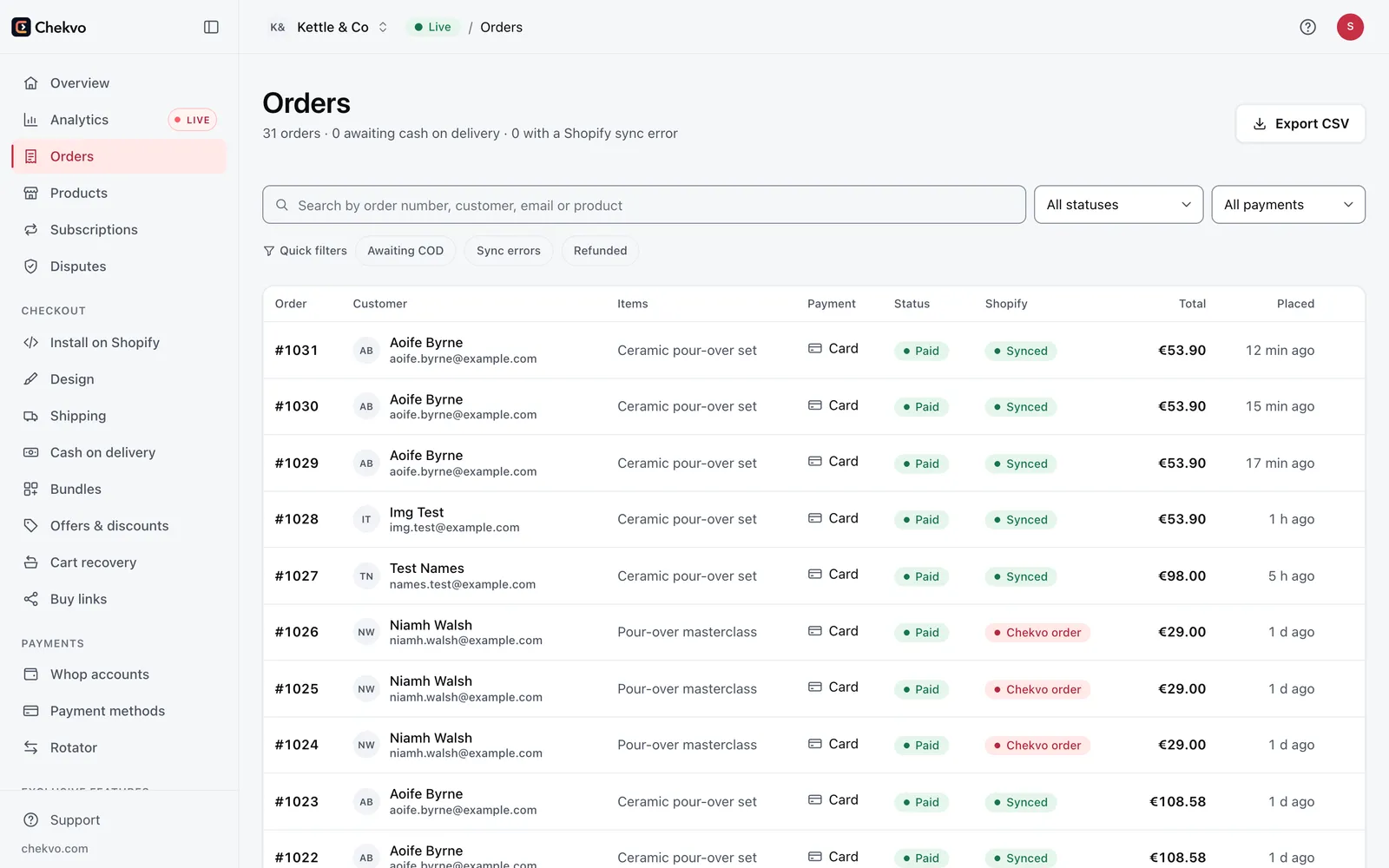
Chekvo does not decide disputes or promise protection. Whop and the card issuer handle disputes on your Whop account. What you control is the checkout shoppers see, clear policies, fast refunds and, where it suits your market, cash on delivery. Build your checkout free and preview it before you connect anything.